By Rowan Ellis | Updated June 8, 2026
A finishing demo video is only useful when you can turn what you saw into a part requirement, a tooling question, or a validation step on your own floor.
For broader planning context, teams can compare guidance from Google Search Central before choosing a workflow.
Most readers come to a gear housing video with the same practical questions: What am I actually supposed to watch for? Which details matter for surface finish and tolerance, and which are just camera-friendly machine noise? How do I translate a clean-looking pass into tooling, parameter, and inspection questions I can use later? Those are the right questions. A good demo can reveal a lot, but only if you watch it with a method rather than hope.
In this guide, Getriebegehäuse simply means gear housing: a part family where bores, faces, bearing seats, sealing surfaces, and alignment features all make process discipline visible very quickly. Precision finishing refers to the final controlled machining steps used to achieve the required surface quality, edge condition, and dimensional stability. Context matters here. A video can show a clean process moment; it cannot, by itself, prove that the same result will hold on your machine, with your fixture, on your material, under your inspection routine.
Read to the end and you will have a repeatable way to watch a finishing demo, an eight-point observation checklist, a set of sharper vendor questions, a short list of red flags, and a downloadable worksheet you can reuse for future reviews. For broader background, you can start from the home page, browse related articles on the blog, review technical support options on services, or use the event overview at Messen & Events when you are comparing exhibition-style demos.
Related implementation details are also covered in WordPress documentation, which helps keep tool decisions grounded in established practices.
What a Getriebegehäuse Demo Can and Can’t Tell You
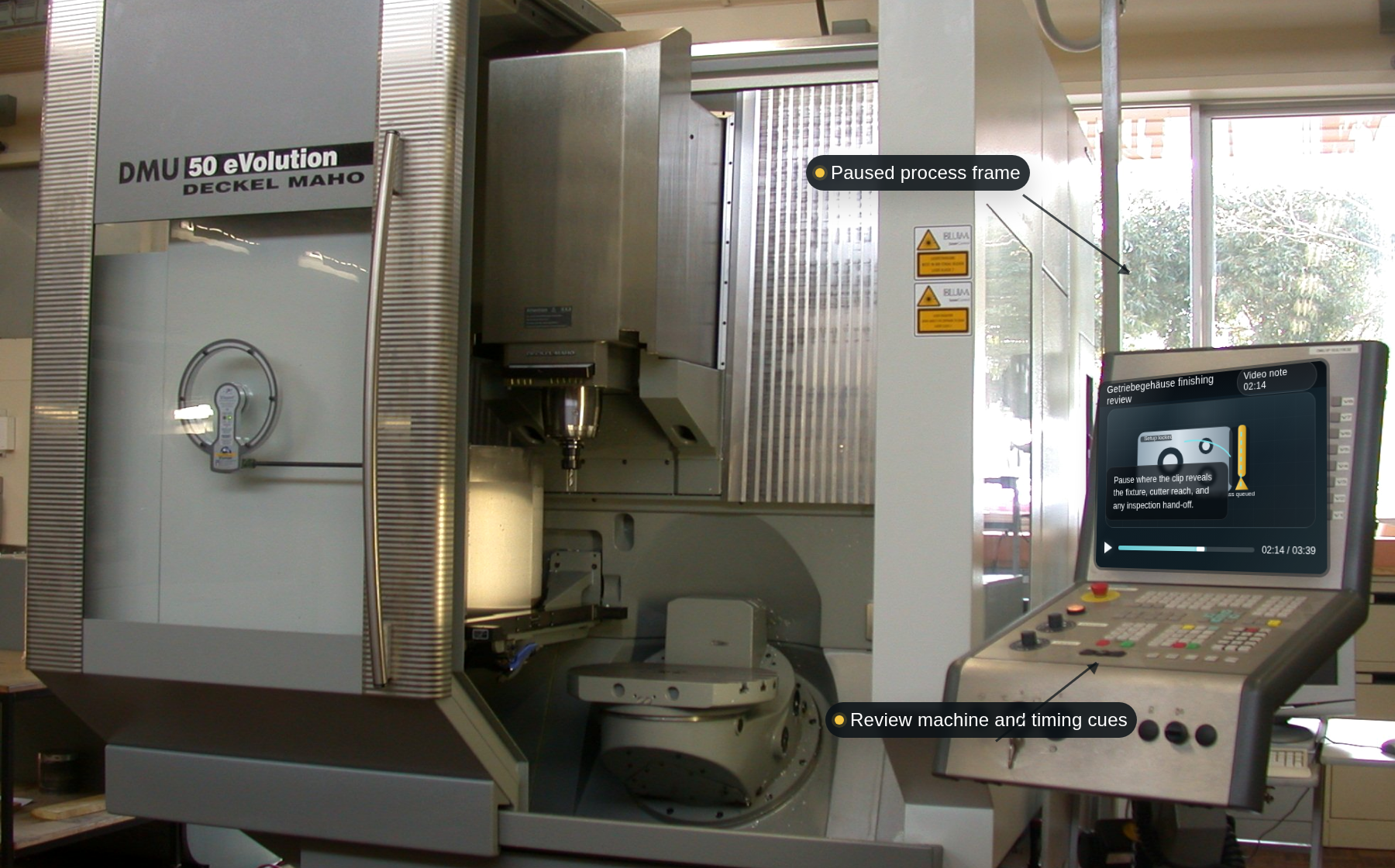
A good demo video can show process logic. It cannot replace a parameter sheet, a measurement report, or a controlled trial. That distinction is worth keeping in view from the first frame.
What a useful video can tell you:
- Process sequence: the order of setup, machining, inspection, and handling steps.
- Workholding logic: whether the part seems supported in a way that suits the geometry.
- Tool approach: whether the finishing strategy looks light, stable, and deliberate or aggressive and theatrical.
- Visible stability cues: chip flow, machine behavior, operator intervention, and the calm or instability of the cut.
- Measurement emphasis: whether the demo bothers to show how results are checked.
What the same video usually cannot tell you on its own:
- Whether the shown result is repeatable across multiple parts or only one clean sample.
- Whether the material matches yours in alloy, hardness, heat treatment, or wall behavior.
- What exact parameters were used unless they are shown clearly and completely.
- How the surface finish was measured and whether the location matches your critical area.
- What happened before the camera started or after it stopped, including setup time, tool changes, warm-up passes, or rework.
A common mistake is to treat a smooth-looking video as a production guarantee. The more useful takeaway is narrower: the video gives you evidence about where to ask better questions. If it does that, it has already earned its keep.
Before You Press Play: Define Your Part and Success Criteria
Do not begin with the vendor’s story. Begin with your own part. If you skip this step, every later observation becomes vague because you have nothing concrete to compare against.
Write down five things before you watch:
- Part family: What gear housing or comparable component are you evaluating against?
- Material condition: What alloy, hardness range, casting condition, or pre-machined state applies?
- Critical features: Which bores, faces, sealing surfaces, bearing seats, or datums matter most?
- Success criteria: Which finish, tolerance, runout, and cycle-time outcomes define a good result?
- Validation method: How would your team confirm that the shown approach is worth a sample trial?
This is also the moment to define a few terms so the rest of the review stays grounded:
- Fixturing: the method used to locate and hold the part during machining. Good fixturing reduces movement and makes the cut repeatable.
- Tool path: the programmed route the cutter follows across the part. In finishing, small path choices can change surface quality dramatically.
- Chip evacuation: how chips leave the cutting zone. Poor evacuation can damage the finish and create heat or recutting.
- Runout: deviation from ideal concentric rotation. Excess runout often appears as uneven wear, inconsistent finish, or edge variation.
- Surface finish: the measurable condition of the machined surface, often discussed with parameters such as Ra or Rz.
Practical example: imagine your real concern is a bearing bore and adjacent sealing face on an aluminum housing. A demo that focuses on outer-wall cosmetics, without showing bore strategy or how the face is inspected, may still be interesting. It is simply not answering your real question yet. That sounds obvious written down; it is much easier to forget while a machine is running on screen.
During the Video: The 8 Things to Note
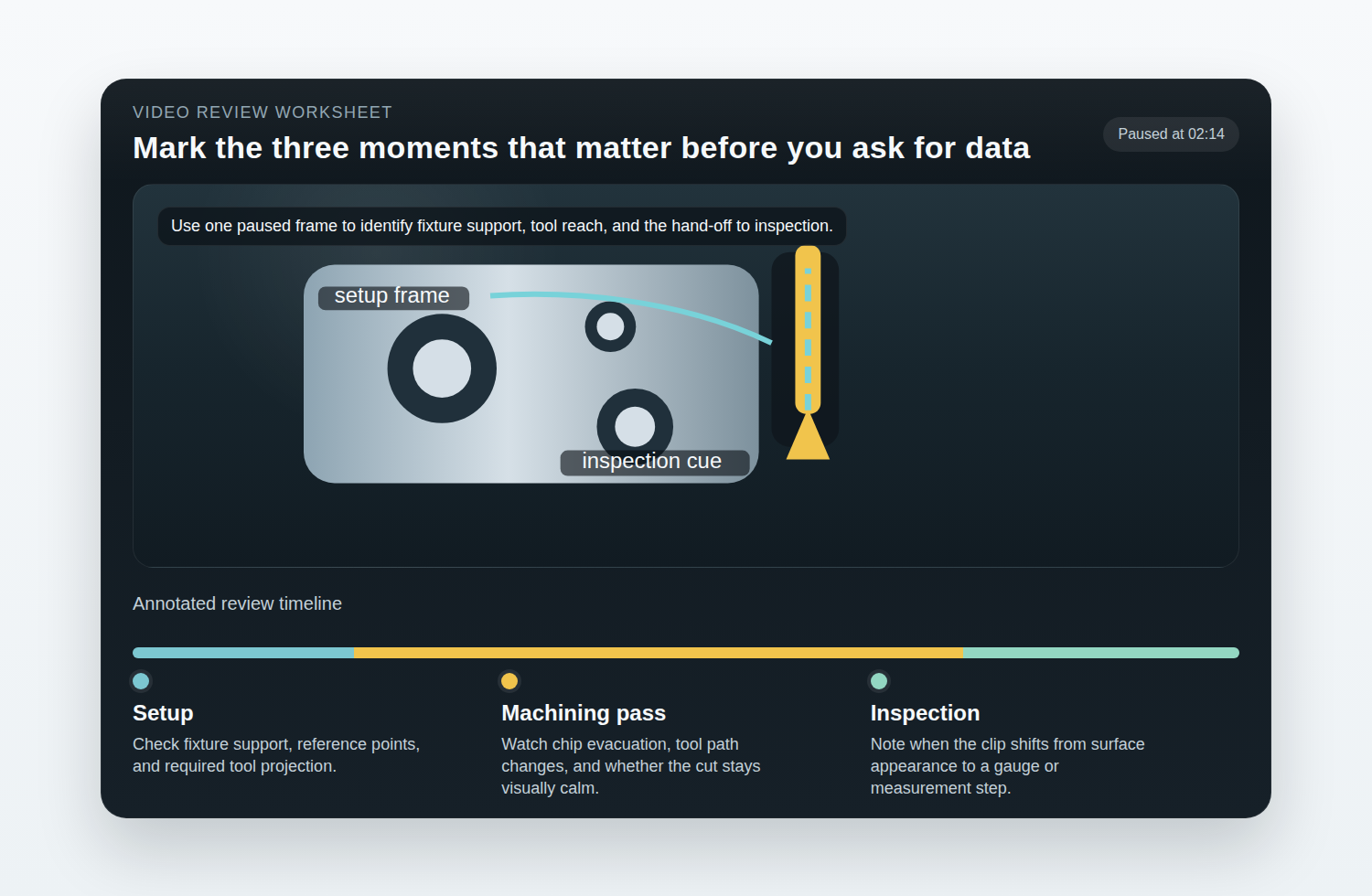
This is the core of the method. Watch once without pausing. Then watch again and take notes against the same eight categories every time. Consistency matters more than speed here.
| What to note | What to look for | Why it matters |
|---|---|---|
| 1. Setup and fixturing | How the part is supported, clamped, and referenced; how much overhang is visible; whether the setup looks repeatable. | Finishing stability begins long before the cutter touches the workpiece. |
| 2. Tool identity and reach | Tool diameter, apparent flute length, neck reach, holder style, and whether the tool looks proportionate to the feature. | A stable-looking result with a short, rigid setup may not transfer to a long-reach application. |
| 3. Tool path behavior | Entry and exit style, stepover rhythm, corner behavior, dwell signs, and whether the pass looks smooth or hesitant. | Tool path choices often explain finish quality as much as raw spindle speed. |
| 4. Chip evacuation | Where chips go, whether they clear the zone cleanly, and whether coolant or air seems to help or merely hide the picture. | Re-cutting chips can spoil the surface and mask thermal or stability issues. |
| 5. Cutting sound and visual cues | Consistent sound, visible chatter marks, sparks where none should appear, vibration, or frequent operator intervention. | Even a short clip can reveal whether the cut looks calm or narrowly controlled. |
| 6. Runout or deflection signs | Uneven witness marks, changing chip pattern, edge inconsistency, or a tool that seems to load differently across the pass. | These are early clues that the visible finish may not be uniform across the actual feature. |
| 7. Surface finish cues | How the camera shows the finished area, whether lighting is flattering rather than informative, and whether the surface is measured or just admired. | A reflective surface is not the same thing as a documented finish result. |
| 8. Cycle-time context | What the video includes or excludes: setup, air cuts, warm-up, inspection, handling, or only the most photogenic cutting segment. | Cycle-time claims drift quickly when the boundary of the timed process is unclear. |
A useful habit is to assign each category one of three quick ratings: clear, unclear, or missing. That prevents the demo from feeling more complete than it really is.
How to Apply the Checklist in Practice
Suppose the video shows a finishing pass on a bore seat and adjacent face. The setup looks compact and well supported, the tool path is smooth, and the chip flow is clean. That is useful. Now translate it:
- Observation: compact setup, short tool projection. Application: ask whether the same result holds with longer reach or deeper access comparable to your housing.
- Observation: no visible chatter and a steady sound. Application: ask what radial engagement, feed, and holder type were used to maintain that stability.
- Observation: the final surface is shown under favorable lighting only. Application: ask for measured finish values, the inspection location, and the method used.
- Observation: the clip includes cutting but not handling or gauging. Application: ask how total process time is defined and whether the measured cycle includes inspection and tool change considerations.
The point is not to become suspicious of everything. The point is to move from impressions to requirements. That shift is where the video becomes operationally useful.
Translate Observations into Technical Questions for the Vendor or Exhibitor
A demo note is only half-finished until it becomes a question. Once you have watched the clip, convert each observation into a concrete request for clarification.
These questions usually produce useful follow-up:
- Setup and fixturing: How is the part located, and what changes when the housing geometry has thinner walls or deeper access features?
- Tooling strategy: What tool geometry, holder style, and projection length were used in the finishing step?
- Parameters: Which spindle speed, feed, engagement, and pass strategy were used, and which of those values are most sensitive when adapting the process?
- Material fit: What was the exact material condition of the shown part, and how does the process change for a different alloy or hardness range?
- Measurement: How was surface finish measured, at what location, and with what acceptance threshold?
- Runout and bore quality: Which feature was used as the reference, and how was concentricity or runout verified after the finishing pass?
- Cycle-time scope: Does the shown time include setup changes, gauging, handling, and any required touch-up?
- Repeatability: Was the clip taken from a single run or from a repeated process with comparable results?
It also helps to separate clarification questions from decision questions. Clarification questions explain what you saw. Decision questions tell you whether a next step is justified. A decision question might be: What information would let us decide whether this process is worth a controlled sample trial on our part family? That wording usually produces a better conversation than asking, more vaguely, whether the process is “good for us.”
Common Red Flags in Demo Videos
Not every red flag means the process is poor. Sometimes it simply means the video is not doing enough work for a technical audience. Still, these signals deserve a note in the margin.
| Red flag | Why it matters | What to ask next |
|---|---|---|
| Missing setup context | You cannot see how the part is held or referenced. | Request setup photos, fixture notes, or a short explanation of the locating logic. |
| Only glamour shots of the surface | Visual shine can hide whether the finish was measured properly. | Ask for measured values, location, instrument, and acceptance criteria. |
| Unclear comparison baseline | A claim of improvement means little if the previous method is undefined. | Ask what the process is being compared against and how the comparison was made. |
| Unrealistic timing claims | Cut time, total cycle time, and line time are not interchangeable. | Ask exactly where timing starts and stops. |
| No measurement method shown | Without method, the result is descriptive rather than technical. | Request the measurement workflow and sample report. |
| No mention of material condition | Tool behavior changes quickly when material or hardness shifts. | Ask for alloy, hardness, pre-machined state, and any heat-treatment assumptions. |
If several of these appear at once, the useful takeaway is simple: treat the video as an invitation to investigate, not as proof that the process is ready for adoption.
Build a Simple Demo-to-Spec Worksheet You Can Reuse
A worksheet keeps your notes comparable from one video to the next. That matters when you are reviewing clips from multiple suppliers, or when the same team revisits a demo weeks later and tries to remember why something looked promising.
Use six sections:
- Part profile: part family, material, hardness, and critical features.
- Success criteria: finish target, tolerance requirement, runout threshold, and cycle-time window.
- Video notes: setup, tool path, chip evacuation, visible stability cues, and inspection steps.
- Open questions: parameter sheet, tooling details, measurement method, and sample request.
- Decision gate: whether the process looks worth a sample trial, a call, or no further action.
- Owner and deadline: who follows up and by when.
You can download a starter version here: Precision Finishing Demo-to-Spec Worksheet (CSV).
If your team also standardizes how notes and follow-up requests are documented across departments, this AI Content Generator App Builder is a neutral external resource you may find useful for structuring template-based documentation workflows.
| Worksheet field | What to capture | Example entry |
|---|---|---|
| Critical feature | The surface or bore that actually drives the decision. | Bearing bore and sealing face on aluminum gear housing. |
| Observed setup note | The most important visible setup detail. | Short projection tool; fixture support appears close to cutting zone. |
| Missing information | What the video does not show clearly. | No measured Ra location shown; timing boundary unclear. |
| Follow-up question | The question that would reduce uncertainty fastest. | Can you share the parameter range and measurement method used for the final face? |
| Decision | What you will do next. | Request sample report and schedule a technical review call. |
Next Steps: How to Follow Up After the Video
The best follow-up is short, specific, and easy for the other side to answer. Send what the reviewer needs to understand your application without making them reverse-engineer your part from three adjectives and an optimistic email subject line.
A practical follow-up packet usually includes:
- Part summary: geometry class, material, hardness, and which features matter most.
- Success definition: the finish, tolerance, runout, or cycle target that matters on your side.
- Demo reference: the timestamp or process segment you want clarified.
- Specific questions: parameter request, tooling request, measurement method, and sample expectations.
- Validation path: whether you want a call, a sample review, or a controlled trial recommendation.
One simple message structure works well:
We reviewed your gear housing finishing demo and would like to compare the shown process against a similar feature on our side. Our critical features are the bearing bore and sealing face on an aluminum housing. We are trying to understand the finishing strategy, measurement method, and cycle-time definition used in the video. Could you share the parameter range, tooling setup, and how the final surface was inspected?
That note gives enough context to start a useful exchange without pretending the video answered more than it did. It also protects your team from the opposite problem: asking something so broad that the reply becomes a brochure instead of a technical conversation.
Useful Takeaway
The right question is not whether a Getriebegehäuse demo looked impressive. The right question is whether the video gives you enough evidence to define the next technical question with confidence.
When you watch with a checklist, the demo becomes much more than a marketing clip. You can identify what is visible, separate what is missing, turn observations into vendor questions, and decide whether a sample trial or follow-up review is justified. That is the bridge from video to specification.
If you want help turning finishing observations into a clearer support discussion, use the contact page or review the site’s services for the next step. For more practical guidance in the same vein, continue through the blog.